
AnyDrag
Move any window by holding a modifier and dragging anywhere on it — as smooth as a native title bar.按住修饰键,拖拽窗口任意位置即可移动 —— 如原生标题栏般顺滑。
No Accessibility-API lag. AnyDrag simulates a native title-bar drag at the window-server level, so windows move exactly like grabbing the real title bar — with zero per-frame IPC.没有 Accessibility API 的延迟。AnyDrag 在窗口服务器层模拟原生标题栏拖拽,窗口移动就像你亲手抓住真实标题栏一样 —— 零逐帧 IPC。
brew install --cask XueshiQiao/tap/anydrag 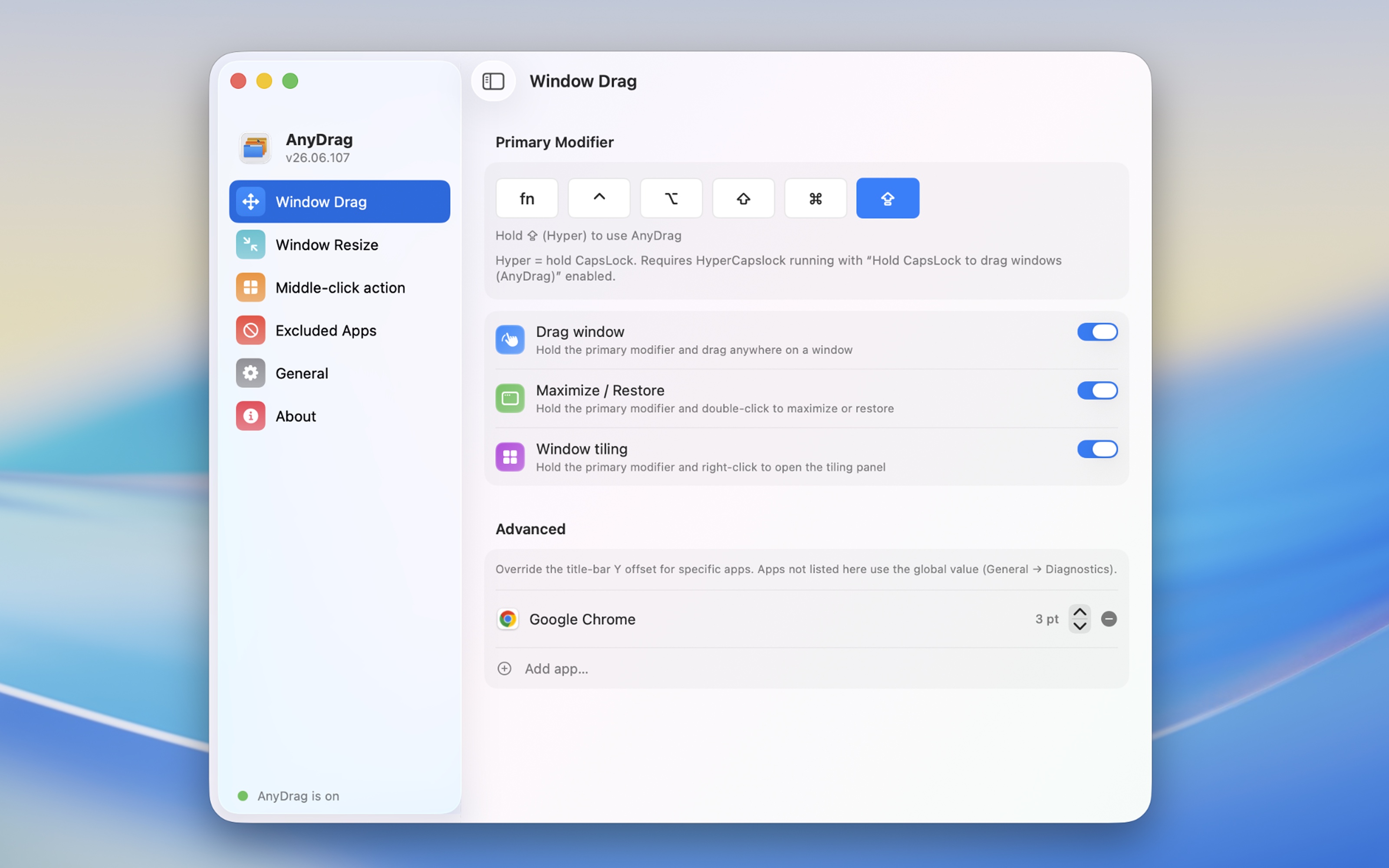
Drag from anywhere随处拖拽
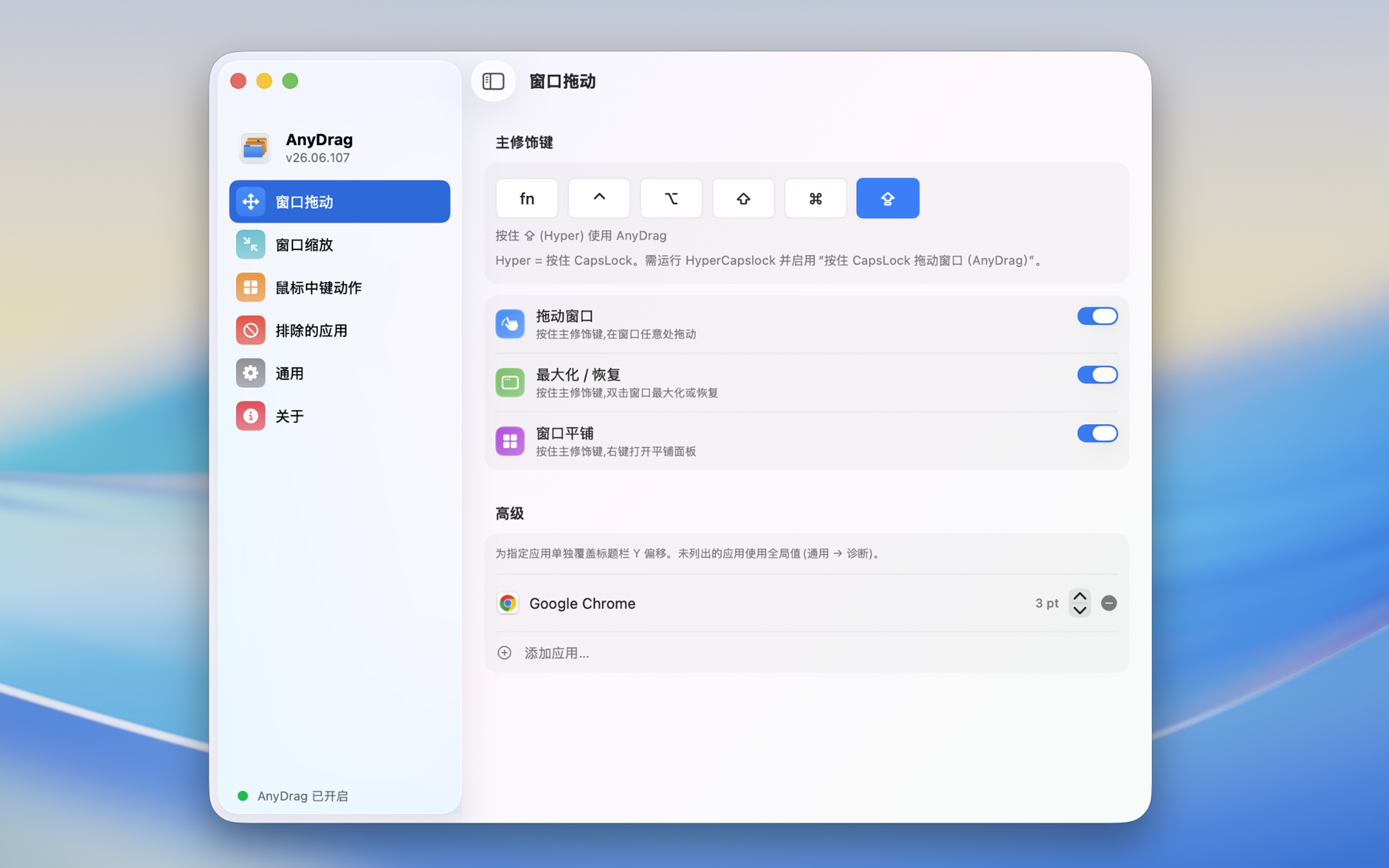
Hold your modifier and grab a window from any point on it — not just the title bar.按住修饰键,从窗口任意位置抓取移动 —— 不必再瞄准标题栏。
Native-level smoothness原生级顺滑
Window-server-level dragging means zero lag — no Accessibility round-trips, no per-frame IPC.窗口服务器层级的拖拽,零延迟 —— 没有 Accessibility 往返,没有逐帧 IPC。
Maximize on double-click双击最大化
Modifier + double-click to maximize a window; double-click again to restore its size.修饰键 + 双击最大化窗口;再次双击恢复原始尺寸。
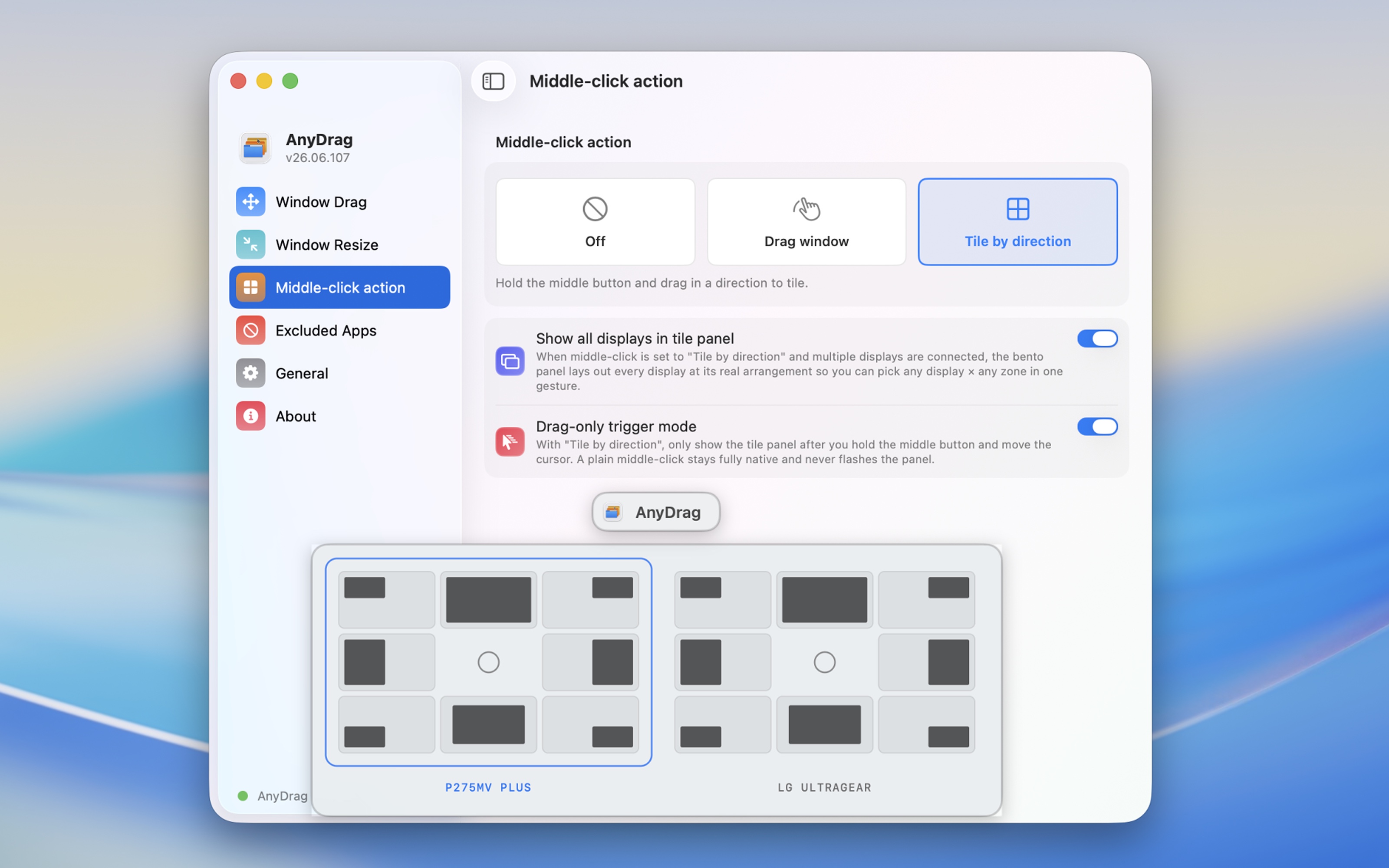
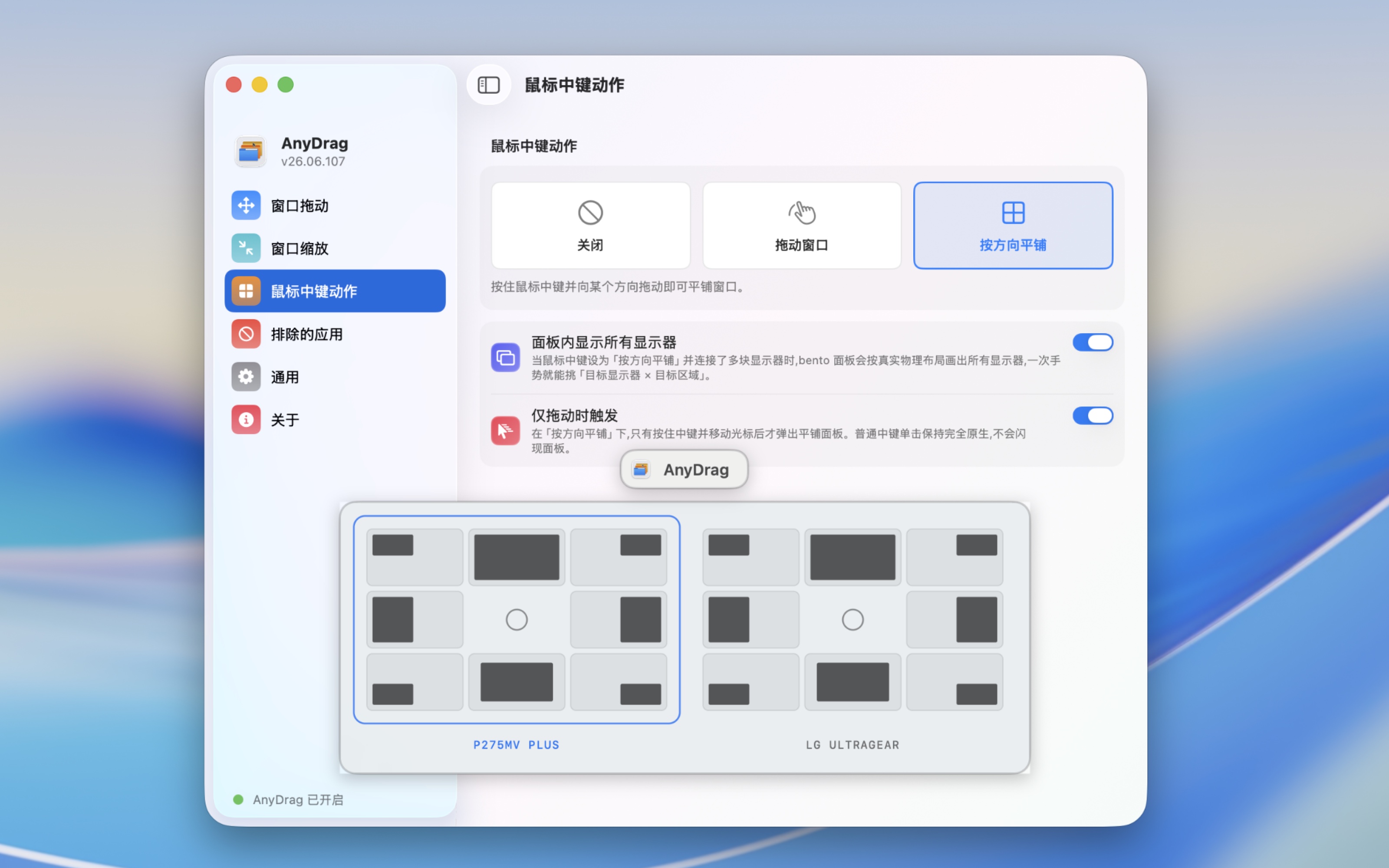
Tiling panel平铺面板
Modifier + right-click to snap to halves, quarters, or any zone — across multiple displays.修饰键 + 右键,快速平铺为二分、四分或任意区域 —— 支持多显示器。
Resize from any corner就近边角缩放
Resize from the nearest corner without aiming for the tiny handle, marked by a glowing bracket.从最近的边角缩放,无需对准细小手柄,发光括号标示当前边角。
Flexible modifiers灵活的修饰键
Option, Command, Control, Shift, fn, combos — or hold CapsLock as Hyper via HyperCapslock.Option、Command、Control、Shift、fn、组合键 —— 或配合 HyperCapslock 用 CapsLock 作为 Hyper。